



How to Post Canva Images Accessibly on Your Website
 How to Post Canva Images Accessibly on Your Website
Canva images look great and can make your website pages more inviting and visually interesting. You can keep using them, as long as you follow a couple of simple rules to keep your webpage content accessible.
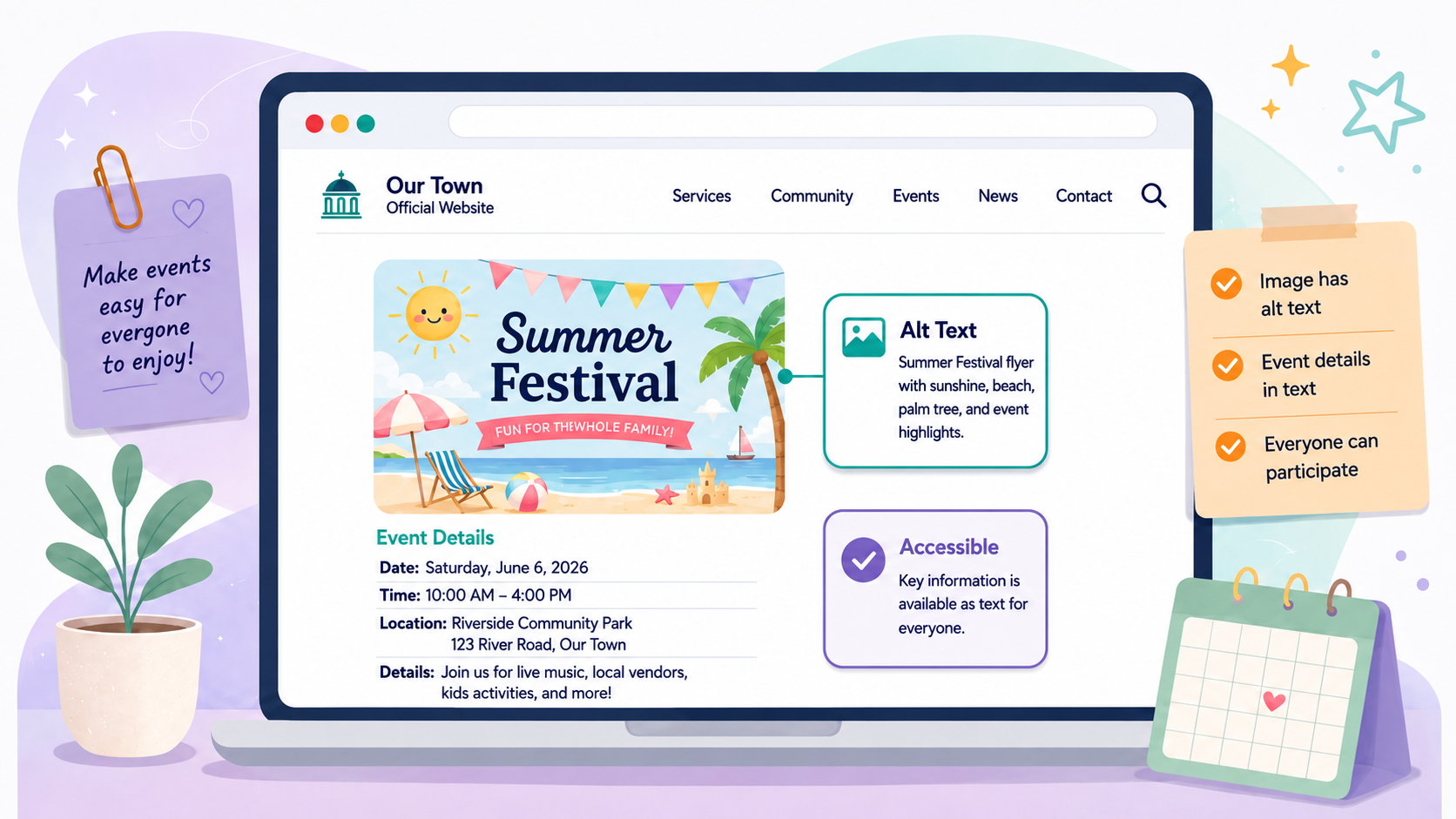
- The flyer is a visual aid. Do not consider it your whole message. Near the Canva image, add the important information from the flyer as regular webpage text. This may include the event name, date, time, location, purpose, cost, registration details, contact information, and any deadlines.
- Add alt text to the flyer image’s properties. The alt text should be a simple identifier, such as “Flyer for Summer Festival 2026.” It does not need to repeat everything on the flyer.
Have fun creating impactful images. You can keep adding them to your website after the DOJ 28 CFR Part 35 2027/2028 deadline by following just a couple of rules.
SUBMITTED BY: Civic Clarity by Accunet